Have you ever looked at your phone screen on a chilly morning and wished it felt a little cozier? Bringing a calm fall aesthetic to your device is a simple way to make daily scrolling feel much warmer and more inviting.
Many people think changing a background requires a complete digital overhaul, but the secret lies in choosing the right autumn tones. Small visual shifts can instantly change the entire mood of your device without much effort at all.
You can easily set the tone by focusing on rich browns, soft amber light, and gentle textures. These natural elements block out harsh digital glare and create a much softer viewing experience throughout your day.
Mixing simple autumn widgets with warm, rustic backgrounds helps you build a custom setup that feels both functional and relaxing. It is all about curating a soothing look that matches the quiet transition of the season.
Let us look at some lovely ways to style your screen, starting with a wide, rustic view that sets a peaceful tone.
#1 Bringing Autumn Views Indoors Through Window Wallpapers
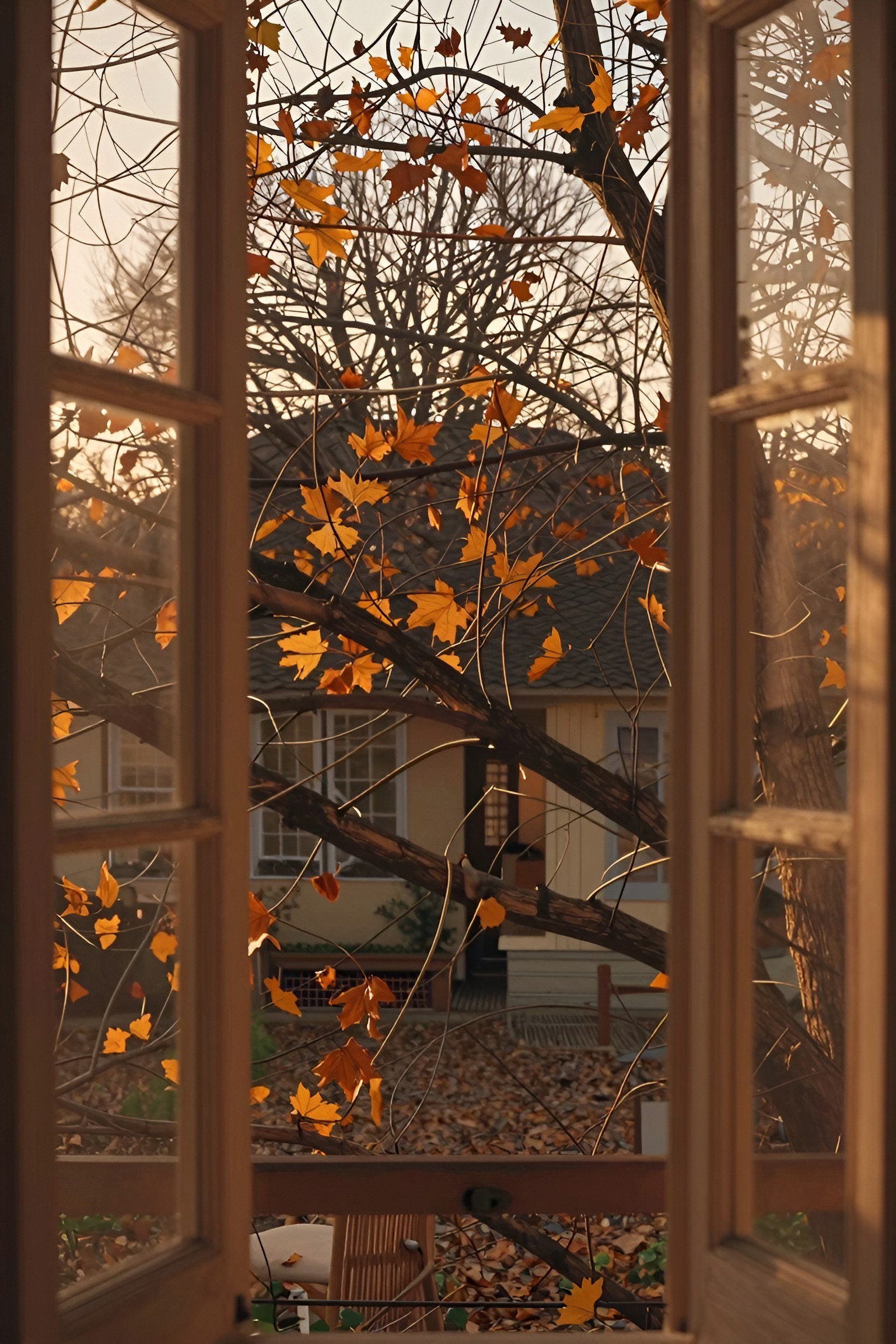
Window view wallpapers capture the feeling of looking out at autumn leaves from inside a cozy room. This style works well for phone screens because it creates a sense of depth, making your device feel like a small window into a quiet, crisp day outside.
When setting up this wallpaper, check how your app icons sit on the screen. Try to pick an image where the busy parts, like branches or leaves, stay clear of your main app rows so you can still read your text easily.
#2 Adding Warm Bookstore Wallpapers to Your Phone
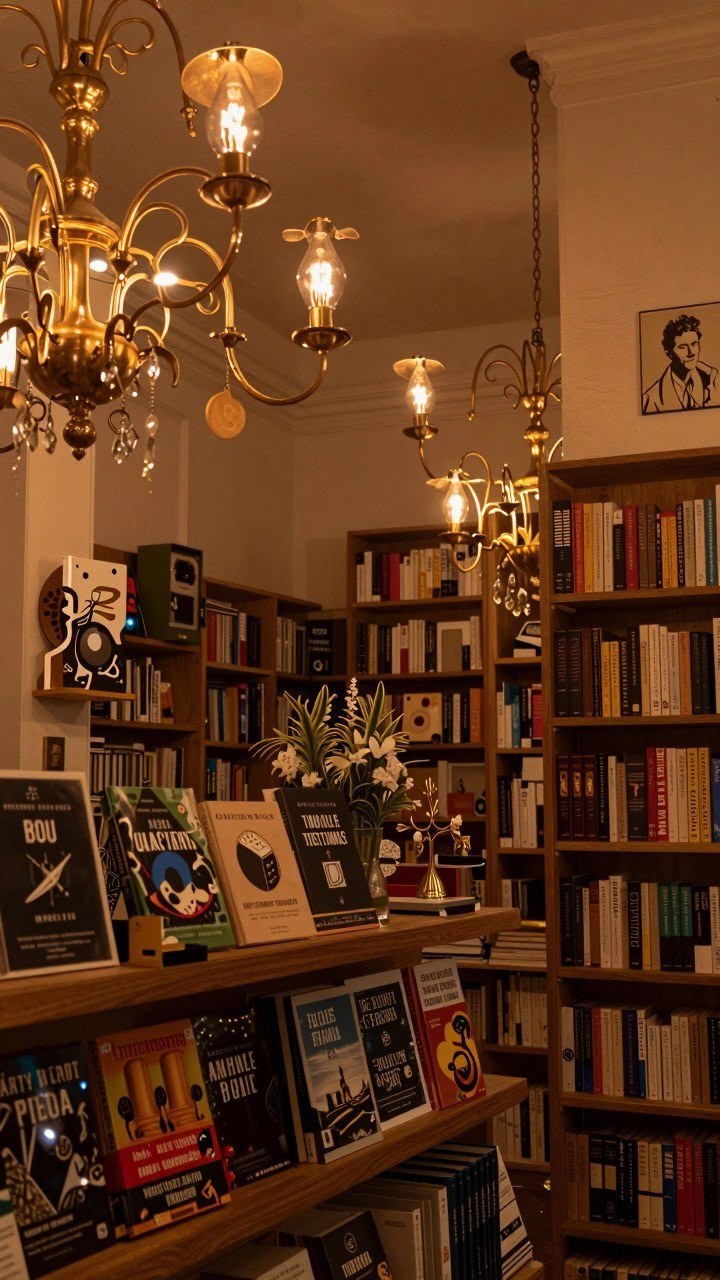
Setting a cozy library background on your phone brings instant calm to your day. Soft lighting and rows of books create a quiet mood that helps you relax every time you check your screen.
This style works best for book lovers or anyone who wants a comforting digital space during busy workdays. You will get a cozy visual break whenever you unlock your device, helping you feel grounded and focused.
#3 Choosing Evening Street Light Autumn Wallpapers
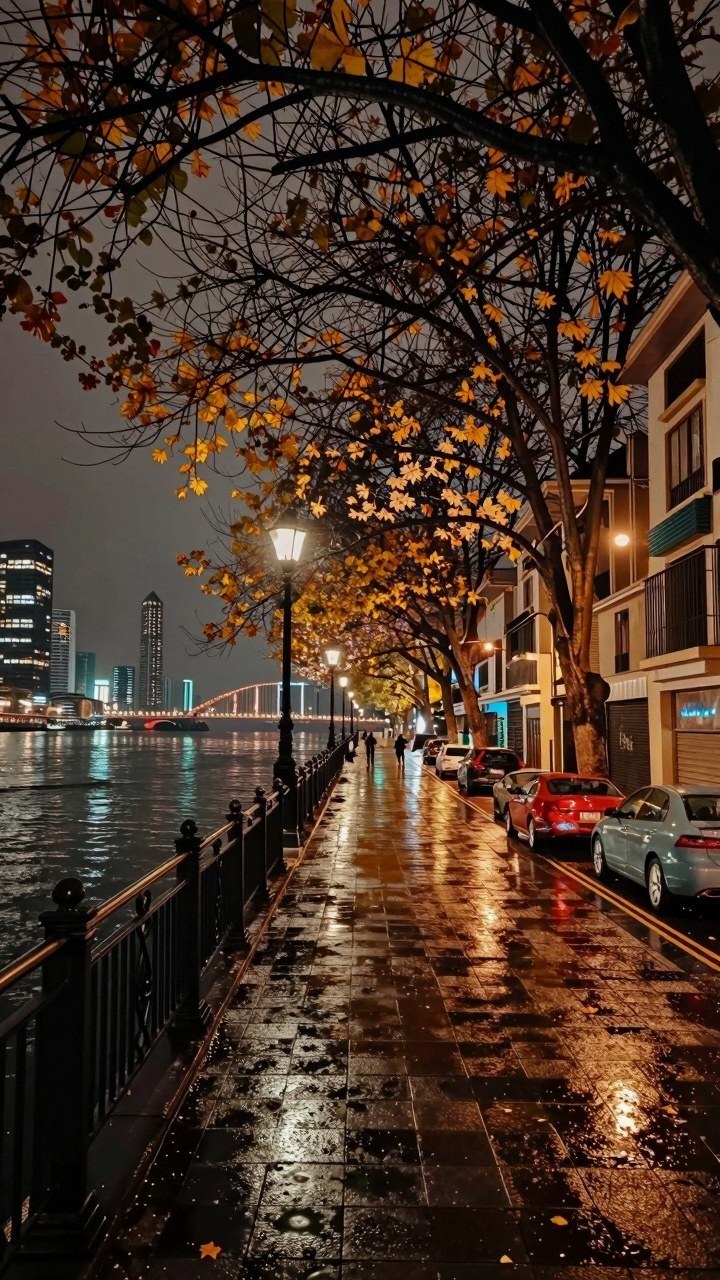
When you pick a nighttime autumn wallpaper for your phone, decide if you want city streets or quiet paths. Look for images where street lamps cast a warm glow on wet pavement. This creates a cozy mood every time you unlock your device.
You can easily match your lock screen to your personal style by adjusting the brightness settings on your phone. If the image feels too dark, simply raise your screen brightness slightly so the glowing lights pop. You can also crop the photo to focus on the illuminated trees or the distant skyline.
#4 Styling Rain Puddle Leaf Fall Wallpapers on Your Phone

When you set a damp sidewalk and leaf scene as your lock screen, adjust your phone display brightness so the darker tones stay crisp. Darker wallpapers help save battery life on OLED screens while keeping your device looking neat and cozy during autumn days.
To keep your screen easy to read, position your clock widget over the smoother areas of the background rather than cluttered spots. Clean up extra shortcut icons so the natural leaf patterns remain visible and your phone layout stays tidy all season.
#5 Adding City Street Autumn Wallpapers to Your Phone
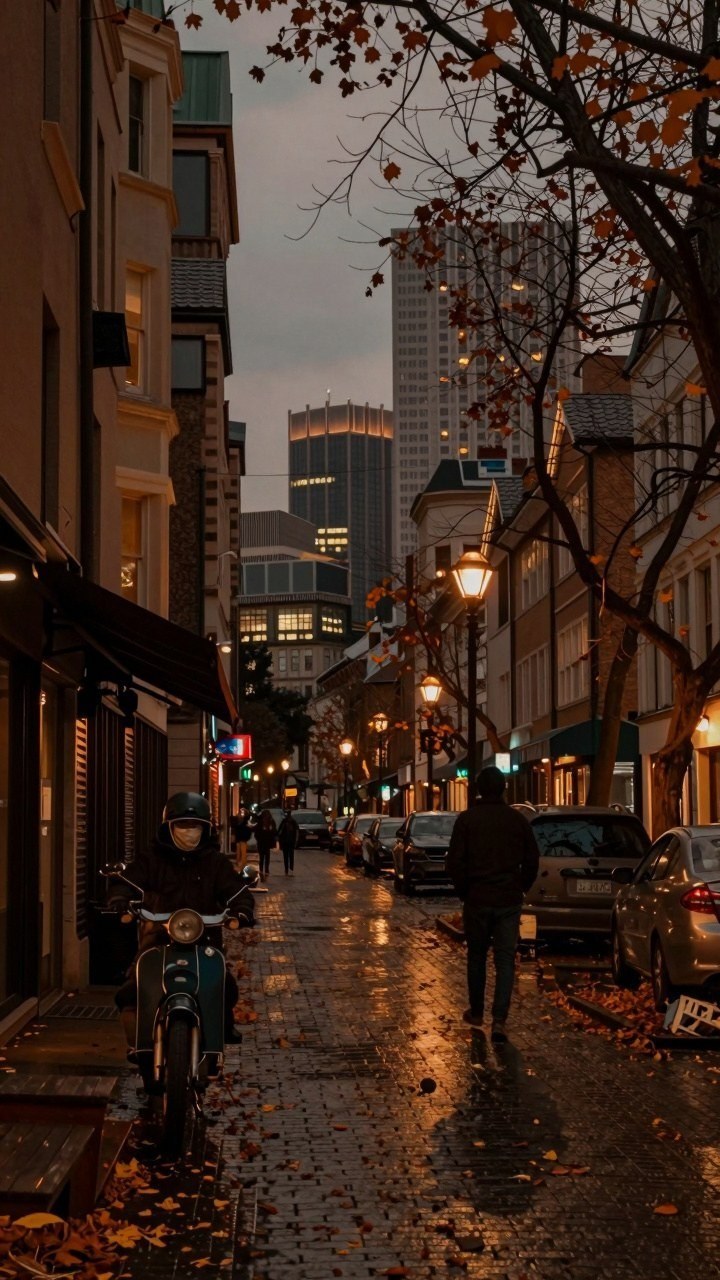
If you love the energy of the city mixed with cooler weather, try setting a busy urban street scene as your background. These urban fall landscapes bring a grounded, active feel to your screen while keeping the color palette warm and inviting. It is a simple way to carry the spirit of an autumn stroll right in your pocket.
If city avenues feel too crowded for your taste, you can look for quieter neighborhood alleyways or park paths lined with traditional lampposts instead. These alternative views offer the same cozy lighting and seasonal mood while giving your phone a slightly more peaceful, low-key backdrop for daily use.